

Can an AI agent solve GeeTest captcha puzzles?
GeeTest v4 slide, icon order, Gobang and IconCrush, each solved at the first attempt by an AI agent on 14 August 2026, plus the v3 slider at a measured 112 pixels.

Davide Valli · Founder, Scalebrowser
Published Nov 9, 2026 · 5 min read
Short answer
GeeTest does not stay one puzzle for long: the same widget can hand an agent a slider, a picture to click in order, a board game or a match-three grid, depending on what the site and the vendor's risk score choose. We worked through all four of GeeTest's v4 types on the vendor's own demo and its v3 slider on a third-party page on 14 August 2026. Every type passed at the first attempt, and getting there showed us two things our own tools did wrong.
What is GeeTest?
GeeTest is a captcha and bot management vendor whose current product, GeeTest CAPTCHA v4, is also sold as Adaptive CAPTCHA. Its v4 documentation describes it as telling people from bots "through advanced behavioral analysis, environmental detection, and interactive challenges", and lists five verification methods: Slide Puzzle, Icon Selection, Match-Three, Gobang and OneTap Pass. For people who cannot use them, its accessibility page adds an "audio challenge" of spoken numbers.
Whether a visitor sees a puzzle at all depends on the mode the site chose. The documentation names three.
| Mode | What GeeTest says it does | What the visitor sees |
|---|---|---|
| Intelligent Verification | "automatically selects the most suitable challenge based on risk signals" | a puzzle chosen per request |
| Risk Fusion | the site's own risk rules tell GeeTest which challenge to show | a puzzle the site picked |
| Invisible Probe | "frictionless protection without displaying a challenge" | nothing |
Which GeeTest puzzle types did the agent pass?
The agent passed all four v4 types it was shown and the v3 slider, each at the first attempt. The runs used the vendor's own demo key for v4 and a live v3 widget on a third-party demo page.
| Type | Version | What the widget asked | Attempts | Runs |
|---|---|---|---|---|
| Slide puzzle | v4 | drag the piece into the gap | first drag | 2 of 2 |
| Icon order | v4 | click three icons in a given order, then OK | first attempt | 1 |
| Gobang | v4 | move one stone to complete a row of five | first attempt | 1 |
| IconCrush | v4 | swap two icons to line up three | first attempt | 1 |
| Slide puzzle | v3 | drag the piece into the gap, measured at 112 pixels | first drag | 1 |
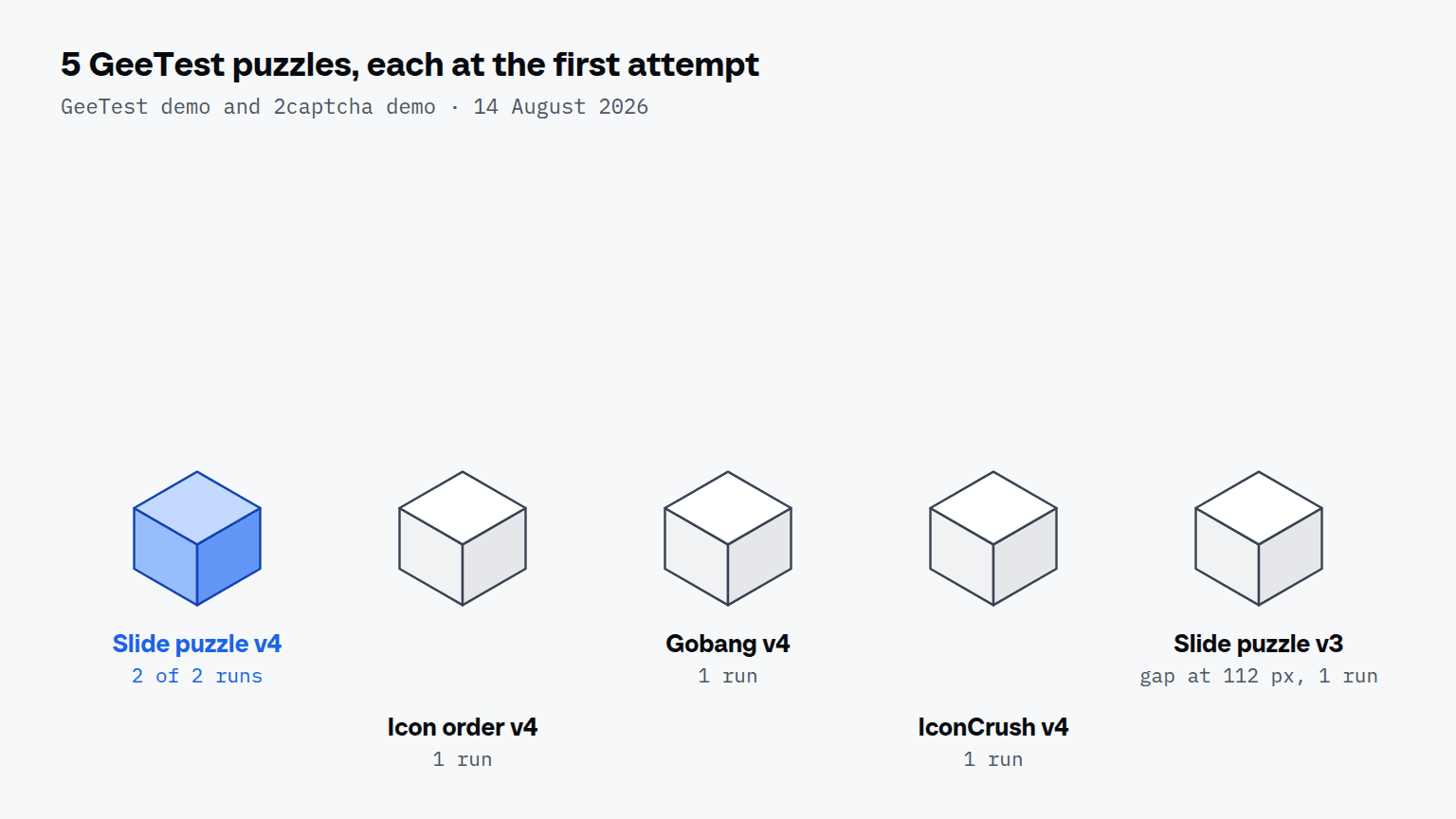
Only the v4 slider rests on two independent runs. Our own rule calls one run an observation and two the minimum, so the other four rows are the next ones we repeat.
How did the agent solve each type?
The agent solved each type with its ordinary tools, and the only special step was measuring the slider's gap instead of estimating it. In the first v4 run the agent judged the distance by eye and in the second it measured the gap with measure_gap; both passed on the first drag. In the v3 run the measured gap was 112 pixels and one drag was enough.
The other three types are clicks into the image. Icon order was a stopwatch, a warning sign and the "1:1" symbol, three clicks and OK. Gobang is labelled "click and drop" and IconCrush "click and swap", and both mean exactly that: two clicks, first on the piece and then on its target. A drag on the same two points did nothing in our runs, although it looks like the natural gesture. A challenge that asks for an image to be turned upright is covered in rotate captcha.
Which measuring traps cost a run?
Three traps from that day misled us before we noticed them. Each one is a property of the page or of how we read it, not of GeeTest's scoring.
- "Incorrect" contains "Correct". On a text captcha the same day, a text match for the word "Correct" reported success on a page that said "Incorrect!". With GeeTest too, the evidence of a pass is the widget's own success message on screen, not a substring.
- A second click on "Click to verify" lands in the puzzle. The widget sometimes opens on the first click; a second one then selects the first icon. Click once and wait for the task text.
- The marker count lags one click behind. After the third click the page still showed "2", and reading that as a lost click leads to one click too many.
Why do these results count as measured?
These results count because each one reached GeeTest's own success message on the live widget through the agent's tools alone, which is our rule for every one of the measured challenge types. A helper script driving the same browser would have told us something about GeeTest and nothing about the agent. A widget message after a real submission is the step behind the challenge; "no error" would not have counted.
The same runs exposed two defects in our own tool layer, both invisible from the inside because neither reported an error. The obstruction check tested the centre of the element while the agent aimed at a point near its edge, so the drag handle was refused for something covering the middle. And an element screenshot on a scrolled page returned the wrong part of the page, because two protocol calls count positions from different origins; GeeTest's widget sat half a screen down, and the picture came back with the site's header in it. Both were fixed on 14 August 2026, the day of the runs.
What should you check before trusting a GeeTest result?
Check four things before you count a GeeTest run. Find out which mode the site runs, since Invisible Probe shows no puzzle and proves nothing about solving one. Take element screenshots only after scrolling the widget into view, or compare the crop with the page before measuring from it. Treat "click and drop" and "click and swap" as two clicks. And repeat every type at least once, because a single pass is an observation. The verification page of the documentation keeps the current status of every GeeTest type.