Slider captcha: measure the gap instead of guessing
How an AI agent solves a slider captcha by measuring the gap first: GeeTest v3 at 112 pixels in one drag, GeeTest v4 in 2 of 2 runs, the rotation variant not at all.

Davide Grasböck · Founder, Scalebrowser
Published Oct 17, 2026 · 5 min read
Short answer
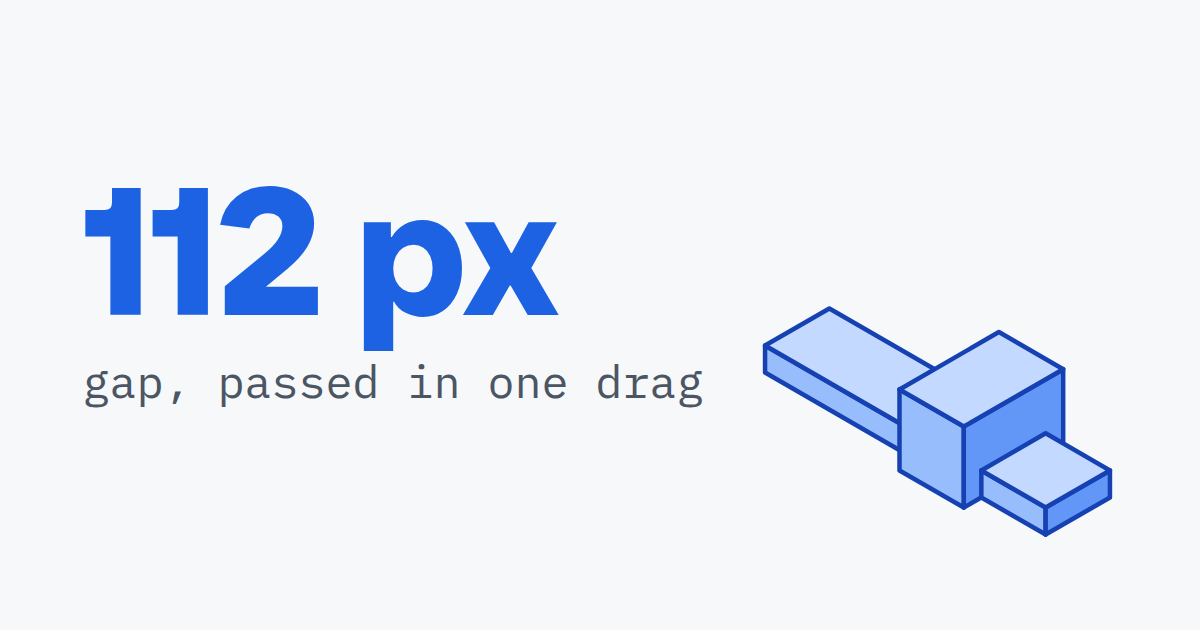
A slider captcha looks like the one challenge a language model cannot get wrong: drag the piece to the hole. In practice the model sees a picture, not a ruler, and a guess from a screenshot lands about 20 pixels off, which is enough to fail. Between 4 and 14 August 2026 our agent worked sliders on live widgets, and the runs that passed had one thing in common: the distance was measured before the drag.
What is a slider captcha?
A slider captcha is a challenge in which the visitor drags a piece or a handle until it fits a gap in an image, and the widget judges both the end position and the movement. GeeTest's slide puzzle is one example; its v4 documentation lists "Slide Puzzle" next to icon selection, match-three and Gobang, and describes the product as telling people from bots "through advanced behavioral analysis, environmental detection, and interactive challenges". Lemin asks for a piece to be fitted in two dimensions. The rotation variant replaces the drag with arrows that turn an image until it stands upright.
| Variant | What the visitor does | What the widget checks |
|---|---|---|
| GeeTest slide (v3, v4) | drags a puzzle piece along one axis into a gap | end position and the drag itself |
| Lemin | drags a piece into a gap in two dimensions | end position and the drag |
| Rotation captcha | clicks arrows until the image is upright | the final angle |
How does an agent measure the gap?
An agent measures the gap by comparing the shape of the loose piece with the image around it, and then drags the measured fraction of the width. Our agent uses three tools for it:
- Take a screenshot of the puzzle element, so the image and the piece are in pixels the tools can read.
- Call
measure_gapwith the image and the position of the loose piece. The piece is an element on the page, so its position is read from the page rather than guessed from pixels. The tool answers with the fraction of the image width the piece has to travel. - Drag with
interactand that fraction, through the same input layer that moves every other pointer.
| Challenge | Measured | Result |
|---|---|---|
| GeeTest v3 slider, 2captcha demo | gap at 112 pixels | passed in one drag, first attempt |
| GeeTest v4 slider, GeeTest demo | gap measured with measure_gap in run 2 | 2 of 2 runs passed on the first drag |
| Lemin, 2captcha demo | piece fitted through the document container | passed, first attempt |
| Method: shape correlation | error against the hand-measured distance | within 5 pixels on 3 of 3 puzzles |
| Method: brightness in the band | error against the hand-measured distance | off by 2, 85 and 12 pixels |
| Method: edge energy in the band | error against the hand-measured distance | off by 34 to 80 pixels |
The comparison is why the piece is given to the tool rather than searched for. An earlier version searched the whole image for two matching windows, and GeeTest's circuit-board illustration repeats its own motifs: two background patches matched each other with a score of 0.91 and beat the real piece, and the drag landed 52 pixels off. A wrong answer with a high confidence is the worst kind, and the page already knew where the piece was.
Lemin needed one more step. Its widget swaps its elements faster than a reference to them survives, so the agent addressed the document container around the widget and aimed at a point inside it.


Scalebrowser gives each agent its own isolated browser with a persistent identity, on your own machine, so a run stays signed in, handles the captcha and finishes without anyone watching it.
See how Scalebrowser does itWhy does the rotation captcha reject every angle?
The rotation captcha rejects every angle because the demo compares the answer against a value its own arrows never produce, so no visitor can pass it through its interface. Our agent measured 15.3 degrees per click, turned the figure visibly upright, and tried 11 of 24 grid positions across the whole plausible range; every one was rejected, with the message "Incorrect captcha angle". During the check the page made no network request at all, so the rejection came from the page itself, which compared against a value outside the grid.
That result is one of the two open rows in our captcha solving record, and it stays open rather than being dropped. The measuring half works: measure_rotation read 14.8 degrees for one click with the wheel centred in the crop, against 15.3 degrees from an independent script on the same page. With the wheel off centre, the same click read 1.0 degree at a match score of 0.73, which is why the tool warns below 0.85. TikTok is a site that uses a rotation puzzle; in 3 logged-out loads on 11 October 2026 none appeared there, as TikTok's rotating puzzle records.
Does the drag path itself get scored?
Yes, the drag path is scored, and it can give a bot away even when the end position is right. In the BeCAPTCHA-Mouse study by Acien, Morales, Fierrez and Vera-Rodriguez, published on arXiv in 2020, a detector evaluated on 15,000 trajectories from 58 users and bots told realistic bot trajectories apart "with 93% of accuracy in average using only one mouse trajectory". The behavioral biometrics of a drag article shows how our own pointer compares with 120 people, measure by measure, and where it still differs.
What do you need to solve sliders yourself?
You need a way to read the distance and a pointer that moves like a hand. Read the piece's position from the page, measure the gap against its shape rather than its brightness, and drag the measured fraction in one continuous movement. Check the result by what the widget says, not by a text match: "Incorrect" contains "Correct", and a page that says the former passed a naive check for the latter in one of our runs. The verification page of the documentation lists the four measuring tools and the current status of every slider type.
Run it on your own machine
Seven days to try it with your own agents on your own sites. Starting the trial needs a card.
Written by
Davide Grasböck
Founder, Scalebrowser
Builds Scalebrowser, the browser layer for AI agents that runs on your own machine. Measures every change a web page could observe against a real browser before it ships, and writes up the ones that turned out wrong.
All articles by Davide Grasböck