Automate 2FA for an AI agent: 6 digits every 30 seconds
How an AI agent passes two-factor authentication: the 6-digit TOTP code computed per RFC 6238 inside its profile, and why cloud guides say to disable 2FA.

Davide Grasböck · Founder, Scalebrowser
Published Oct 5, 2026 · 6 min read
Short answer
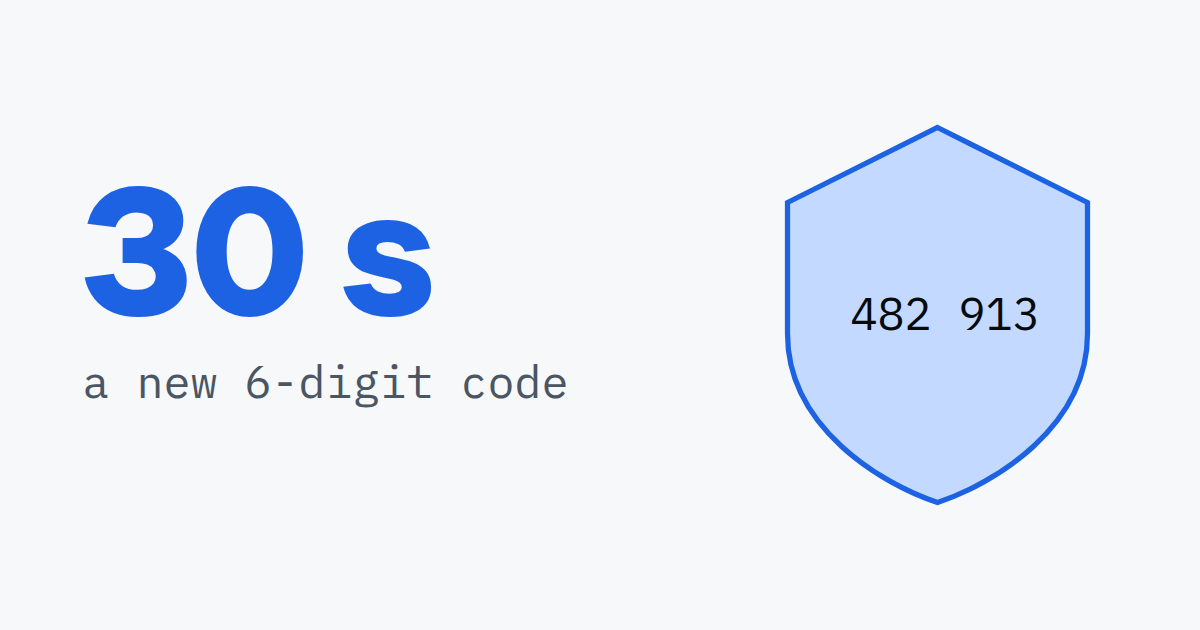
Your agent typed the password, the site accepted it and asked for a six-digit code. The code lives in an authenticator app on somebody's phone, and the run stops there. The usual advice is to switch the second factor off. This how-to takes the other path: the profile keeps the setup key and computes the code itself, and the agent sees neither.
What does 2FA automation mean for an agent?
2FA automation means the agent completes the second step of a sign-in without a person handing it the code. Three second factors cover nearly every account an agent meets, and they differ in where the code comes from.
| Second factor | Where the code comes from | What the agent needs |
|---|---|---|
| TOTP, from an authenticator app | computed from a shared secret and the clock | the setup key, stored with the login |
| SMS | sent to a phone number | a number that belongs to this profile |
| Email code or link | sent to an address | an address that belongs to this profile |
Only TOTP can be answered without waiting for anything to arrive, because the code is arithmetic rather than a message. That makes it the second factor an agent handles most reliably, as long as the secret sits where the agent cannot read it.
How is a TOTP code computed?
A TOTP code is computed in four steps from a shared secret and the current Unix time, and under RFC 6238 it changes every 30 seconds by default. The RFC defines the time step with "default value X = 30 seconds" and builds on HOTP from RFC 4226, which says implementations "MUST extract a 6-digit code at a minimum".
- Count the time steps. Divide the Unix time by 30 and drop the remainder. At 59 seconds past the epoch the step is 1, at 60 seconds it is 2.
- Hash the step with the secret. Compute HMAC-SHA-1 over the step as an 8-byte number, keyed with the secret. The RFC also allows SHA-256 and SHA-512.
- Truncate. The low 4 bits of the last byte give an offset, and the 4 bytes starting there, with the top bit cleared, become a 31-bit number.
- Reduce. That number modulo 1,000,000 is the six-digit code.
A validator compares the code with the current step and, as RFC 6238 recommends, "at most one time step" earlier to cover network delay. A code therefore stays usable for 30 to 60 seconds, depending on when in its step it was computed. The secret itself is the Base32 string behind the QR code; Google's key URI format describes it as "an arbitrary key value encoded in Base32".
How do you set up TOTP for an agent?
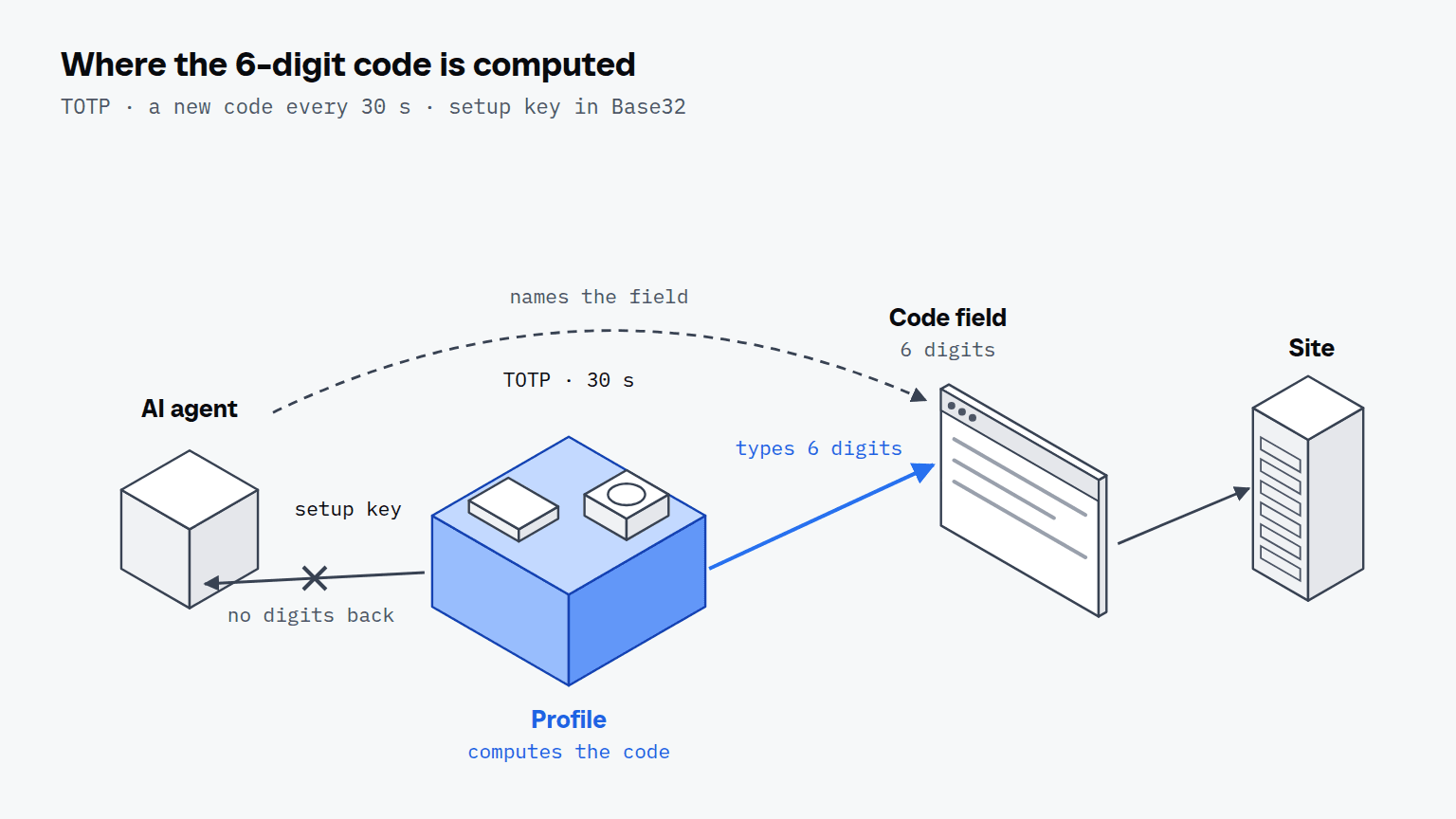
You set up TOTP for an agent by storing the setup key against the profile once, when the site first shows the QR code, and by naming the code field on every sign-in after that.
- Copy the setup key, not the QR code. When the site offers an authenticator app, choose the option to enter the key by hand and copy the Base32 string.
- Store it with the login. The key goes into the profile's vault next to the username and password, one login per service and profile.
- Confirm the first code. The site asks for one code to finish enrolment; the profile computes it and types it.
- Sign in by naming fields. On every later sign-in the agent names the username, password and code fields from the page, and the values are typed below it.
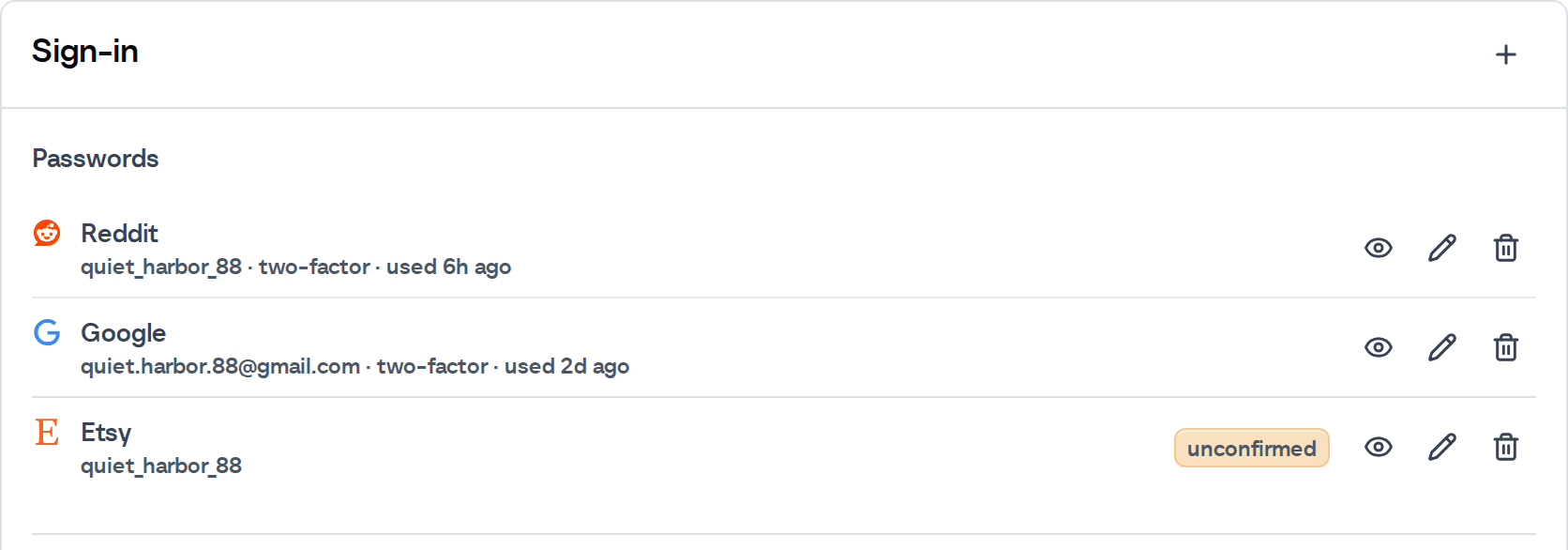
No step returns the digits to the agent. The code is computed at the moment a fill needs it, so it never enters the model's context, its logs or a transcript sent to a model provider. The credentials page of the documentation shows the stored parts of a login and the second password that guards reading one back.
We check this path against a receiving server rather than against our own code.
| What the bench checked | Witness |
|---|---|
| The one-time code the profile typed | a second RFC 6238 implementation on the receiving server |
| Whether values were typed or assigned | key events counted per field by the page |
| A refused fill leaves the form untouched | the server receives empty fields |
| The plaintext never appears in a reply, run step, log or store | the daemon's own outputs, searched |
| Result | 30 passed, 0 failed, 1 skipped |
The second implementation is the point of the bench: checking our code against our own arithmetic would pass with both sides wrong in the same way. The skipped check needs a machine without a vault password, and the bench machine already had one.


Scalebrowser gives each agent its own isolated browser with a persistent identity, on your own machine, so a run stays signed in, handles the captcha and finishes without anyone watching it.
See how Scalebrowser does itWhy not disable 2FA instead?
Disabling 2FA makes the automation work and leaves the account protected by its password alone, which is the trade the common advice asks you to make. Browserbase's website authentication guide says two-step verification "usually require[s] human intervention in the loop" and lists "Disable 2FA or create an app password" as its first strategy. Selenium's page on two factor authentication says "you should avoid automating 2FA" and suggests test tokens, test accounts without 2FA or exempted IP addresses instead.
| Route | Named by | What it costs |
|---|---|---|
| Disable 2FA | Browserbase, Selenium | the account falls back to a password alone |
| App password | Browserbase | exists only where the service offers one |
| A person in a live view | Browserbase | someone has to be present while the session is open, at most 6 hours on its paid self-service plans |
| Compute TOTP in the profile | this how-to | the setup key has to be stored once |
Selenium writes for a test environment you control, and there its advice is sound. An agent signing in to accounts on sites it does not own has no test environment to reconfigure, so the second factor stays on and moves into the profile. The AI agent login guide sets this wall beside the other three an agent meets before it holds a signed-in session.
Where do emailed codes come from?
Emailed codes come from an inbox bound to the profile rather than from arithmetic, so the agent has to wait for them. The profile reads its own address and waits up to 60 seconds for the message to arrive. Why each profile needs an address that no other profile shares is the subject of email codes for agents.
Run it on your own machine
Seven days to try it with your own agents on your own sites. Starting the trial needs a card.
Written by
Davide Grasböck
Founder, Scalebrowser
Builds Scalebrowser, the browser layer for AI agents that runs on your own machine. Measures every change a web page could observe against a real browser before it ships, and writes up the ones that turned out wrong.
All articles by Davide Grasböck