

Pixelscan 'Masking detected': real Chrome gets it too
What Pixelscan's 'Masking detected' means, why real Chrome gets it behind a proxy with the wrong timezone, and what 20 runs of our agent's browser read.

Davide Valli · Founder, Scalebrowser
Published Nov 21, 2026 · 6 min read
Short answer
Most people open Pixelscan to check a browser setup before they trust it with an account, and a red "Masking detected" is the result that sends them looking for a new tool. Before changing anything, it helps to know that the verdict is about a pair of values, and that an unmodified Chrome can earn it too. We found that out while measuring our own control browser, and the pair it tripped over is the first thing to check whenever the result is red.
What is Pixelscan?
Pixelscan is a free web page that reads a browser's fingerprint, its IP address and its automation signals and says whether they fit together. It describes itself as "an all-in-one multichecker that combines fingerprint analysis, IP and proxy checks, DNS leak detection, bot detection, and blacklist scanning". Its manifest states the idea behind the fingerprint check: it "evaluates the consistency and detectability of your browser environment", and when we read it in September 2026 it named six parameters.
| Parameter in Pixelscan's manifest | What it has to agree with |
|---|---|
| User-Agent integrity | the engine's own version and features |
| Operating system consistency | the platform the rest of the browser reports |
| Canvas, WebGL and rendering signals | the graphics card that draws them |
| Hardware parameters | each other and the rest of the machine |
| Timezone and language alignment | the location of the IP address |
| Automation indicators | a person operating the browser |
Pixelscan reports the fingerprint verdict and the automation verdict on separate tiles, so one can be red while the other is green.
What does 'Masking detected' mean on Pixelscan?
'Masking detected' means Pixelscan found two values in the browser that cannot both be true of one machine. It is a verdict about consistency, not about whether software drives the browser; automation has its own tile, which reads "No automated behavior detected" when it finds nothing. The manifest names the parameters but not the rules, and it gives one example of the kind of pair it looks for: a "Windows user-agent" next to "macOS signals". A spoofed value is one cause, not the only one, because the pair can also be formed by the browser and the network it speaks over.
Does Pixelscan flag a real Chrome behind a proxy?
Yes, Pixelscan flags a real, unmodified Chrome behind a proxy when the browser's timezone does not match where the exit address is located. We saw it on 4 July 2026 while taking the readings of our control browser, an ordinary Chrome on Windows that routed its traffic through a mobile exit. The location the checkers found for the exit address did not match the timezone of the machine's clock.
| Checker | Verdict on real Chrome | What else the page said |
|---|---|---|
| Pixelscan | "Masking detected" on the fingerprint tile | "No automated behavior" on the bot tile |
| BrowserScan | 10 percent deducted from the authenticity score | the deduction named the timezone |
Nothing in that browser was masked. Its clock was honest about the machine, and its address was honest about the exit; the two simply described different places. A checker that compares the pair cannot tell an honest mismatch from a spoofed one, and a site that runs the same comparison cannot either.
How does a page compare the timezone with the IP address?
A page compares the timezone with the IP address by reading one value in JavaScript and geolocating the other on its server. The timezone is a single line:
const zone = Intl.DateTimeFormat().resolvedOptions().timeZone // "Europe/Vienna"MDN's resolvedOptions() reference describes the value as "an IANA time zone name", whose default "is the runtime's default time zone". The address arrives with every request, and any IP location database turns it into a country and usually a zone. A zone that lies an hour or a continent away from the exit is the mismatch in the table above.
What did Pixelscan say about our agent's browser?
Pixelscan read "No masking detected" and "No automated behavior detected" for our agent's browser in 20 of 20 runs on 10 and 12 August 2026. The runs came from an A/B measurement of our own dashboard, which alternated a profile with the activity recording on and off across seven checker sites, 5 runs per side and day.
| Checker | Runs | Reading |
|---|---|---|
| Pixelscan | 20 of 20 pass | "No masking detected", "No automated behavior detected" |
| BrowserScan | 20 of 20 pass | authenticity 100 percent, once 90 percent with a timezone deduction |
| iphey | 20 of 20 pass | "Trustworthy" |
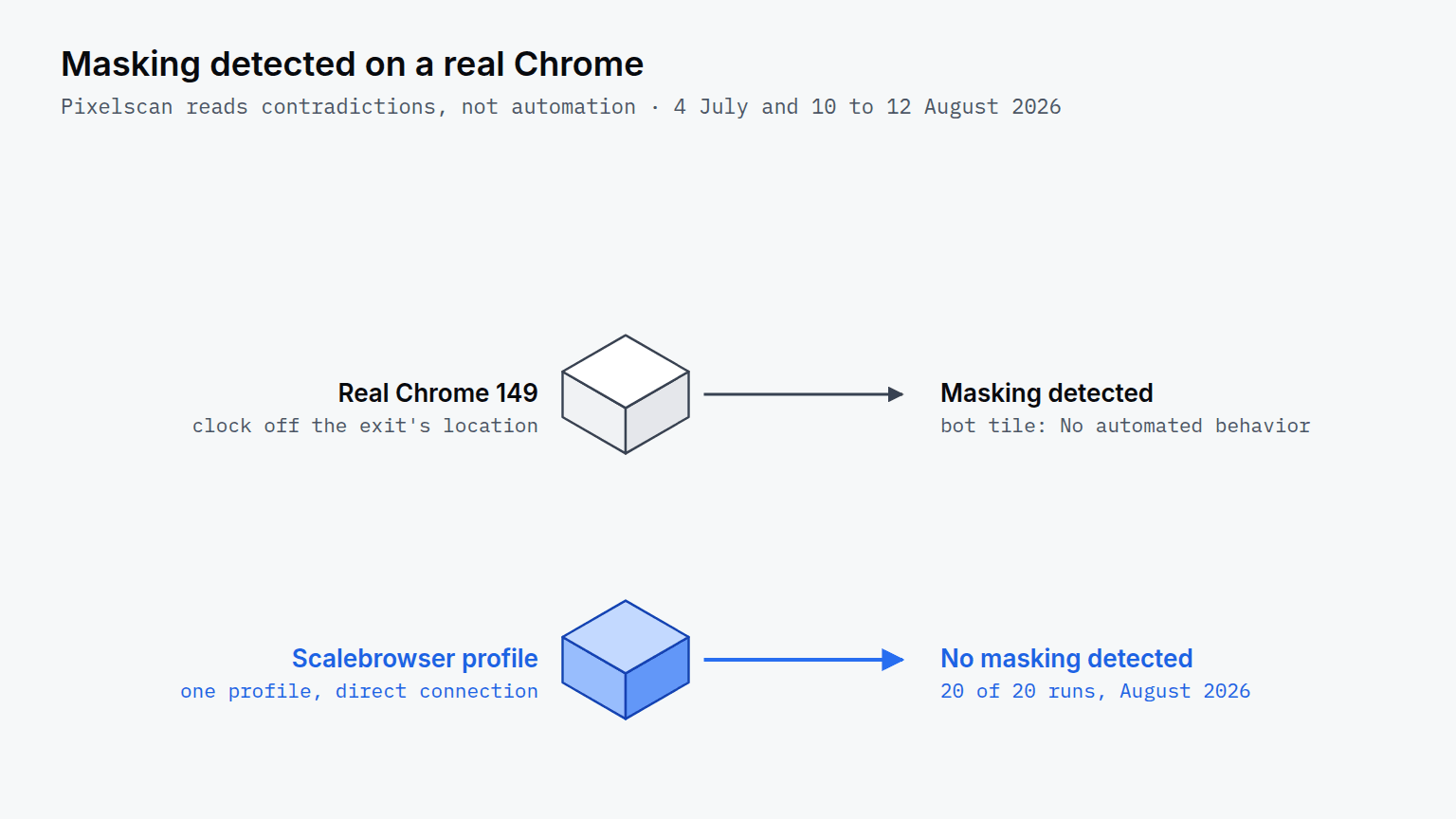
The one BrowserScan deduction came from the same pair as the real Chrome control: the timezone of a profile without a proxy, not the recording, and the other 19 BrowserScan runs of the same profile carried none. Across all 20 runs the timezone against the address was the only one of the contradictions a checker reads that either checker found.
What should you fix when Pixelscan reports masking?
You should find the pair behind the verdict before you change the browser, because the fix for a contradiction is to make one side agree with the other. Four steps, in this order:
- Compare the timezone with the exit. Read the zone with the line above and look up the exit address; this was the only pair we saw trip Pixelscan on an unmodified Chrome.
- Compare the language with the country.
navigator.languagesand theAccept-Languageheader should belong to the exit country as well, and to each other. - Run a real Chrome through the same exit. If it gets 'Masking detected' too, the network causes the verdict, not your browser.
- Change values in pairs, never one at a time. A random value fixes nothing and usually creates a second contradiction.
A Scalebrowser profile does the first two by default: its geo mode rewrites timezone, language and the Accept-Language header to the exit country at every launch, for the 62 countries its locale table covers, and with no proxy to the machine's own connection; the coherence page describes the geo modes.